
Viewing battles and bot state
This guide covers the GUI features you use after a battle has started:
- watching the live arena
- controlling playback speed and debug stepping
- reading battle results
- inspecting bot console output, properties, and events
Viewing the battle
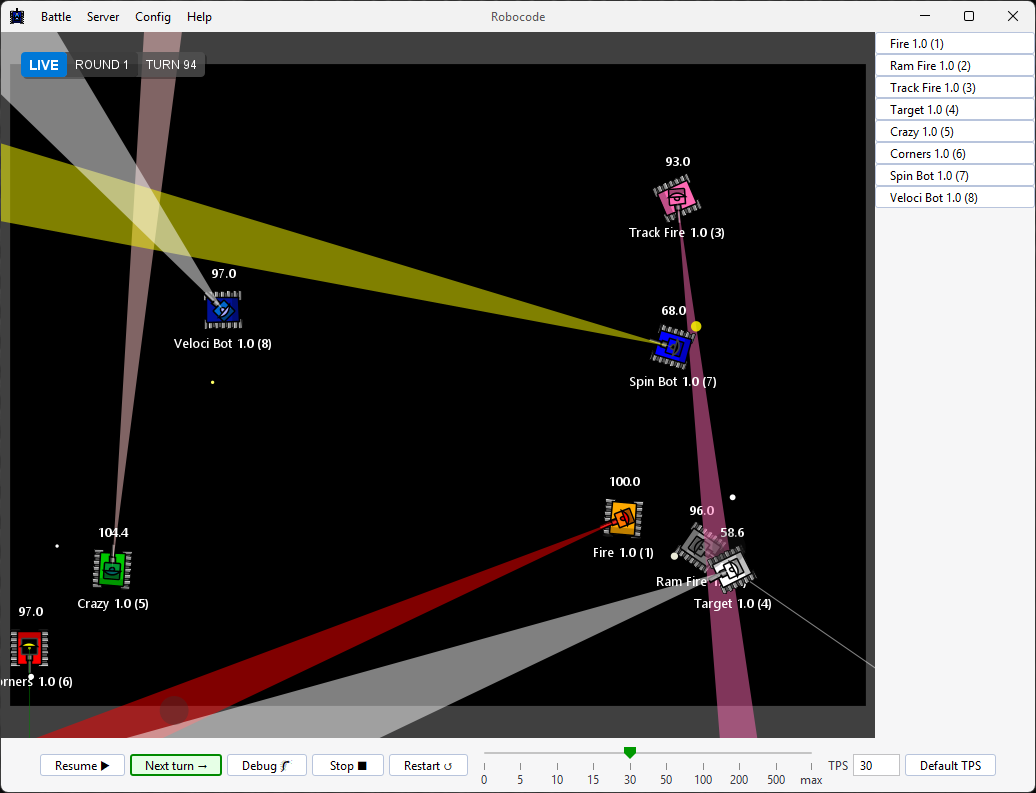
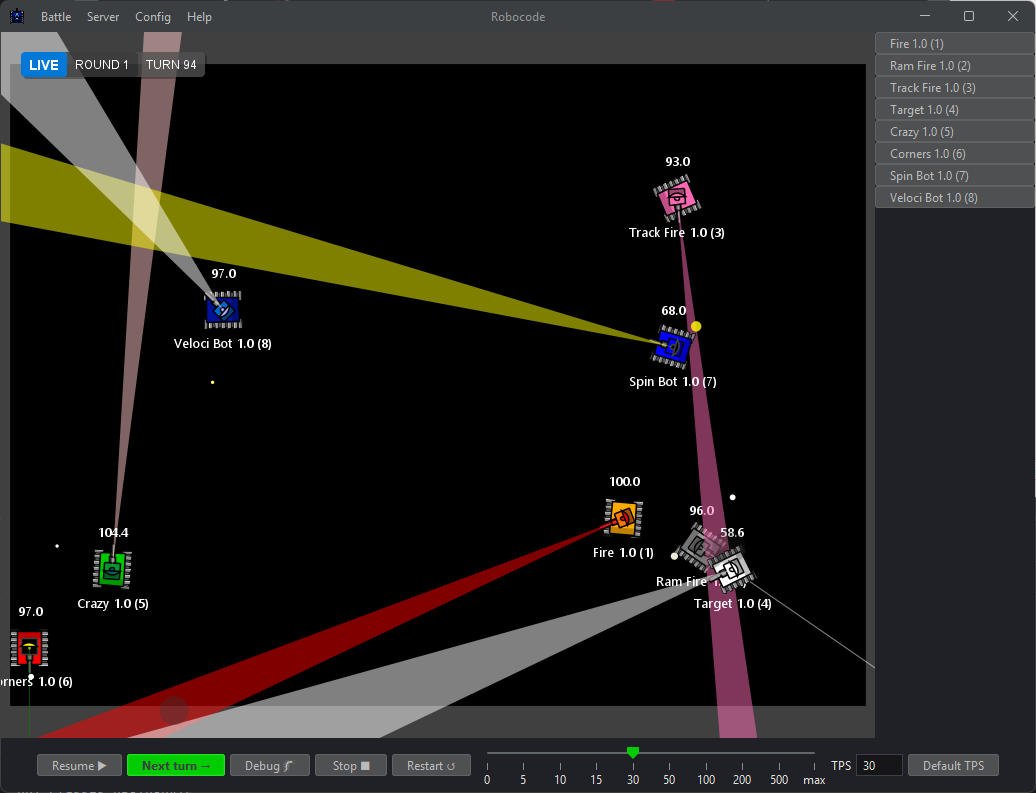
When a battle begins, the GUI switches to the battle arena:
Battle results
When the configured number of rounds has been played, the GUI shows the final ranking for each bot:
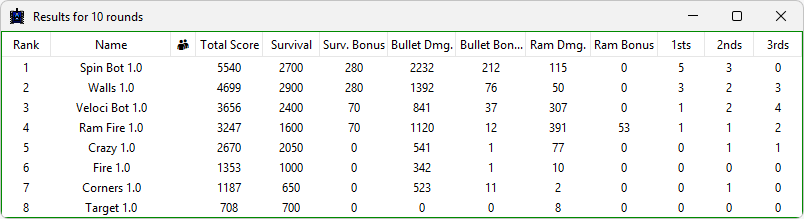
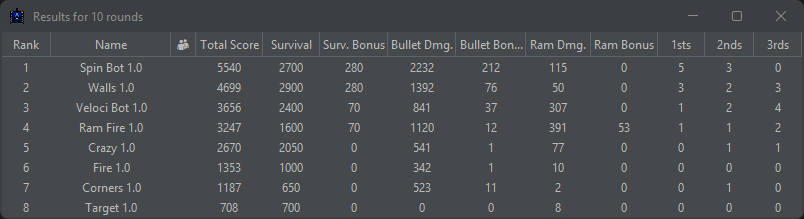
See Scoring for how ranks and score fields are calculated.
Use the control panel at the bottom to manage the battle:


Controls include:
- pause or resume the battle
- single-step through turns while paused
- stop or restart the battle
- adjust TPS (turns per second) with the slider, input field, or default button
- enable debug mode so each Next Turn click executes one complete turn and then pauses
Unlike regular pause, debug mode always lets the current turn finish before pausing.
Viewing the bot console
The left side panel contains one button for each participating bot:
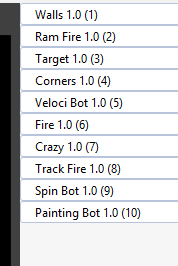
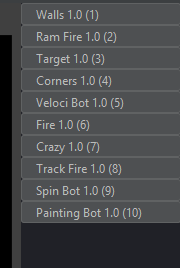
If a bot is connected with a debugger attached, its button shows a 🐛 indicator:


This indicates that breakpoint mode has been auto-enabled for that bot. The turn clock will suspend whenever the bot is late delivering intent, which prevents missed turns while you step through code in an IDE.
Clicking a bot button opens its console window:
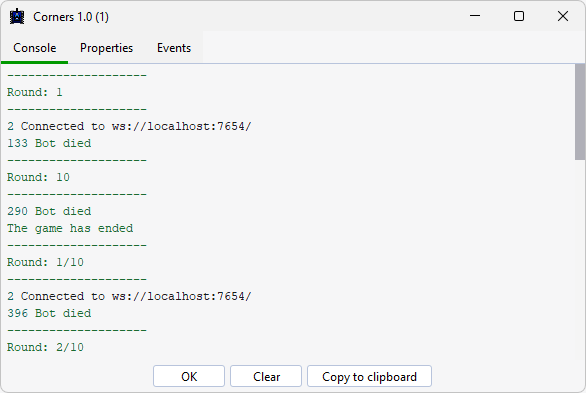
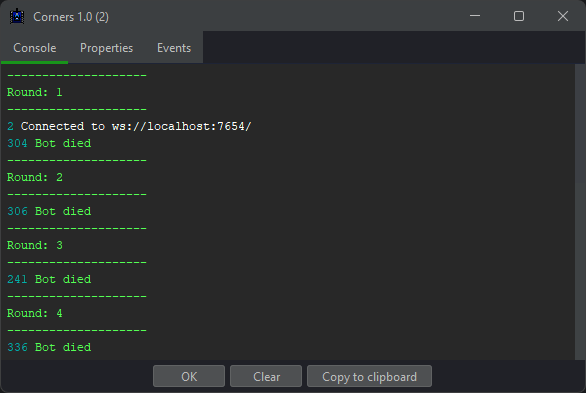
The Console tab shows stdout and stderr output from the bot. The booter redirects these streams when launching local bots.
Output includes:
- turn labels
- standard output
- standard error
- game info messages
Viewing the bot properties
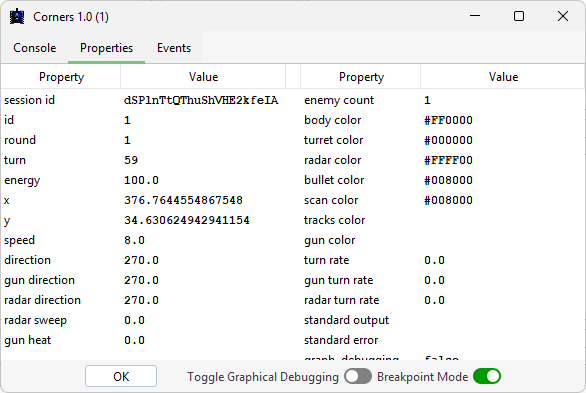
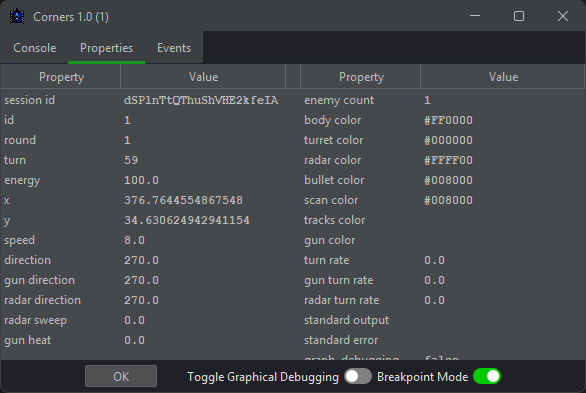
The Properties tab displays real-time bot state information:
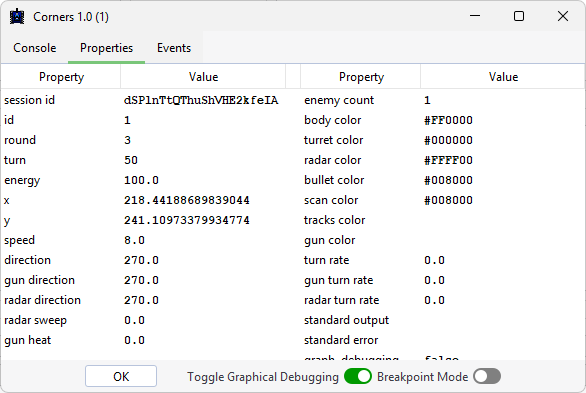
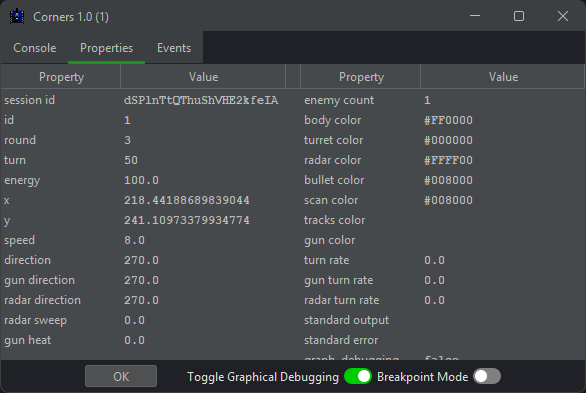
When the server supports breakpoint mode, a Breakpoint Mode 🐛 toggle appears alongside the debug graphics toggle. Breakpoint mode suspends the turn clock for that bot whenever it is late delivering intent.
Viewing the bot events
The Events tab shows all bot events for debugging:
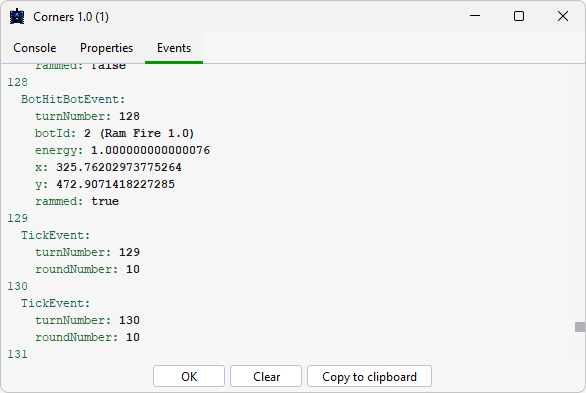
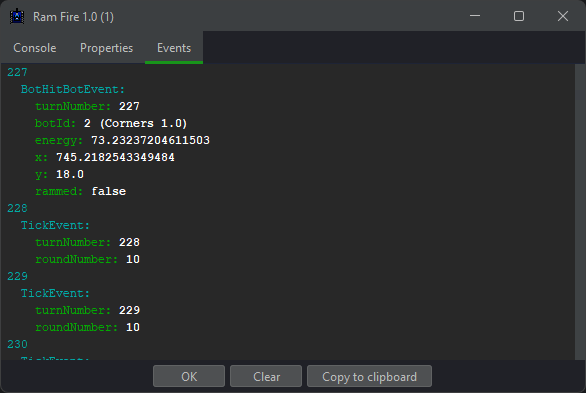
Events include the turn number where they were observed. The exact timing can still vary slightly because of system load or network latency.