The GUI
The GUI is the main desktop interface for Robocode Tank Royale. It helps you:
- connect to local or remote servers
- select bots and configure battles
- watch battles live and inspect bot state
- record battles and replay them later
- configure GUI, server, debug, and sound settings
Use this page as the entry point for the GUI documentation:
- Setting up and starting a battle
- Viewing battles and bot state
- Recording and replaying battles
- Configuring the GUI
Start window
When launching the GUI, you are greeted by the start window:
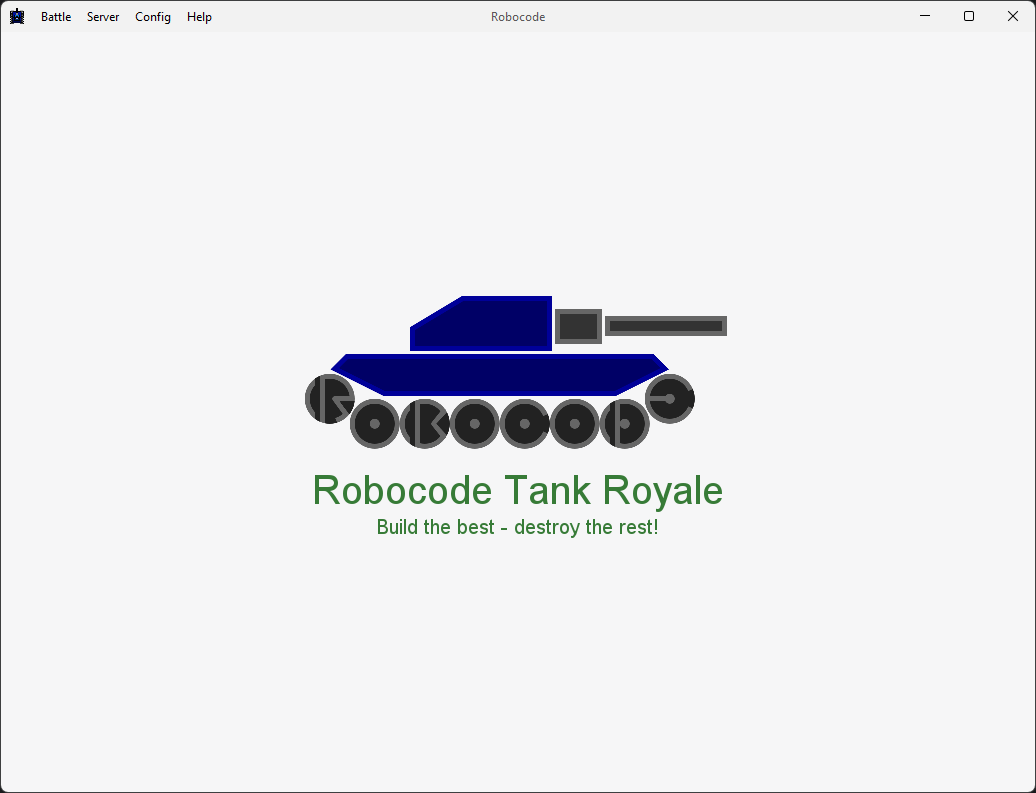
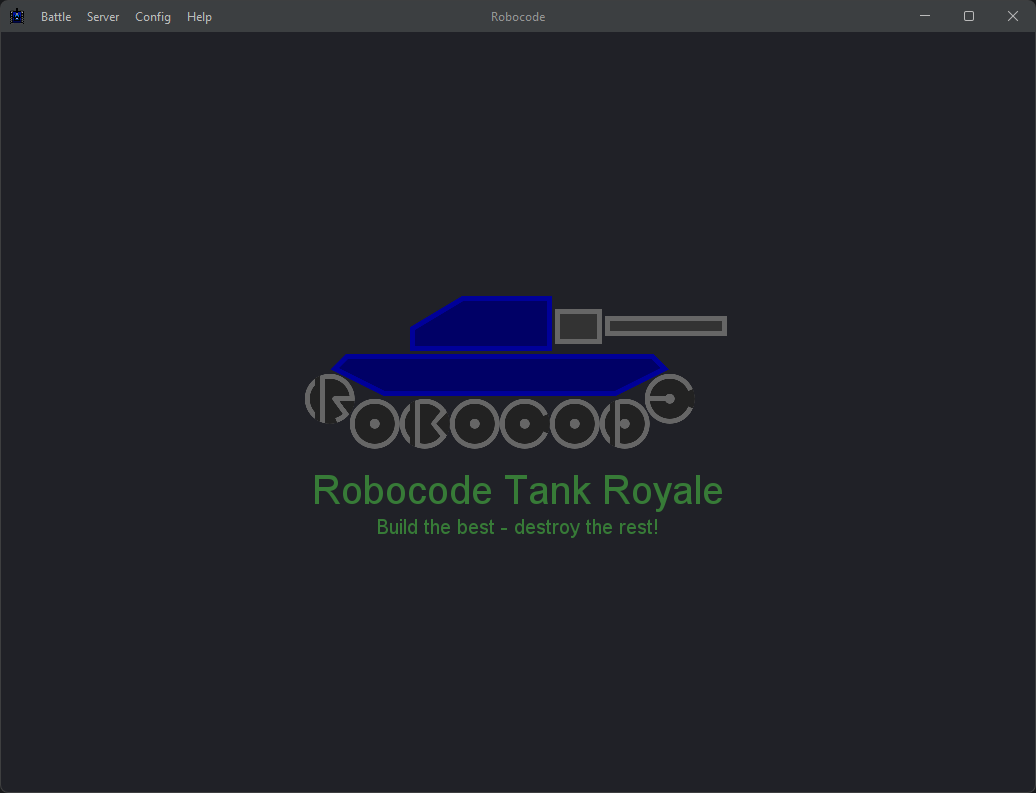
The menu bar at the top provides quick access to the main tasks, such as starting a new battle with Ctrl+B.
Starting a battle
For battle setup, bot selection, booting local bots, and rule configuration, see Setting up and starting a battle.
Viewing the battle
For the live arena view, battle controls, and bot inspection tools, see Viewing battles and bot state.
Recording
For auto-recording and replaying recorded battles, see Recording and replaying battles.
Replaying
For replay controls and replay file handling, see Recording and replaying battles.
Setup Rules
For the game type selector and rule configuration dialog, see Setting up and starting a battle.
Local Server Log
For the local server log viewer and related server dialogs, see Configuring the GUI.
GUI Options
For language, UI scaling, console limits, and tank color mode, see Configuring the GUI.
Server Options
For local server settings, secrets, and remote server connections, see Configuring the GUI.
Debug Options
For development and testing features such as initial bot position, see Configuring the GUI.
Sound Options
For audio settings and sound effect controls, see Configuring the GUI.
About box
For version, runtime, and support information shown in the About dialog, see Configuring the GUI.