Recording and replaying battles
The GUI can record battles automatically and replay saved recordings later.
Recording battles
Enable auto-recording with the Recording toggle in the Start Battle dialog:
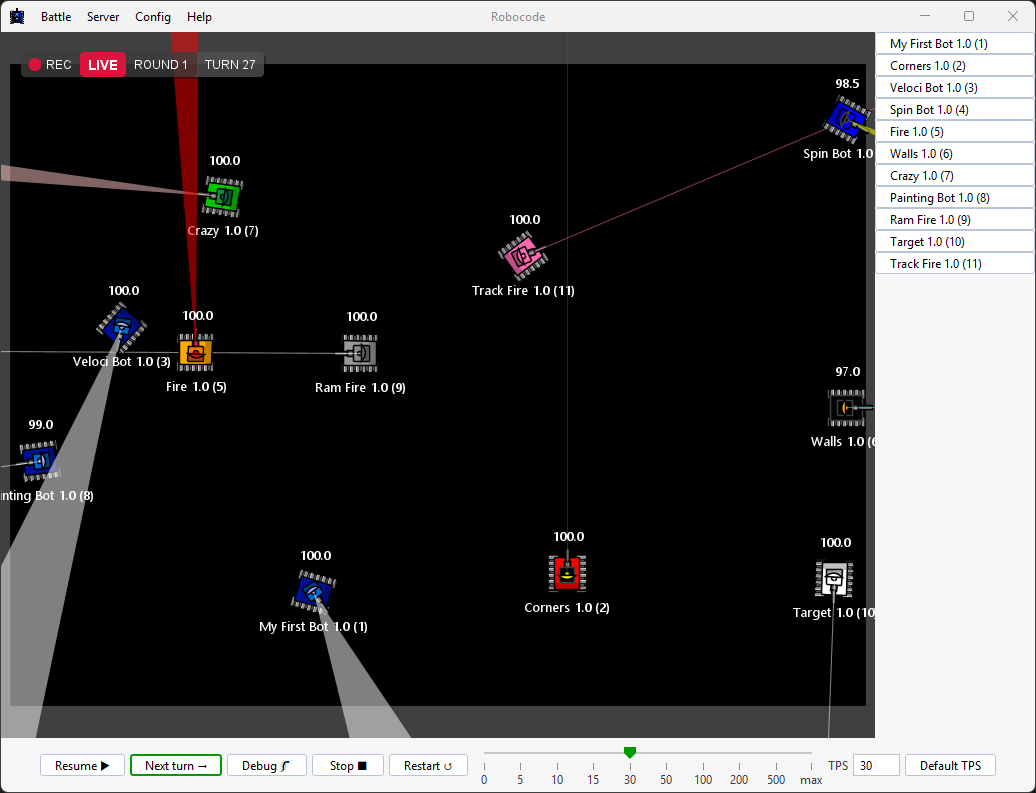
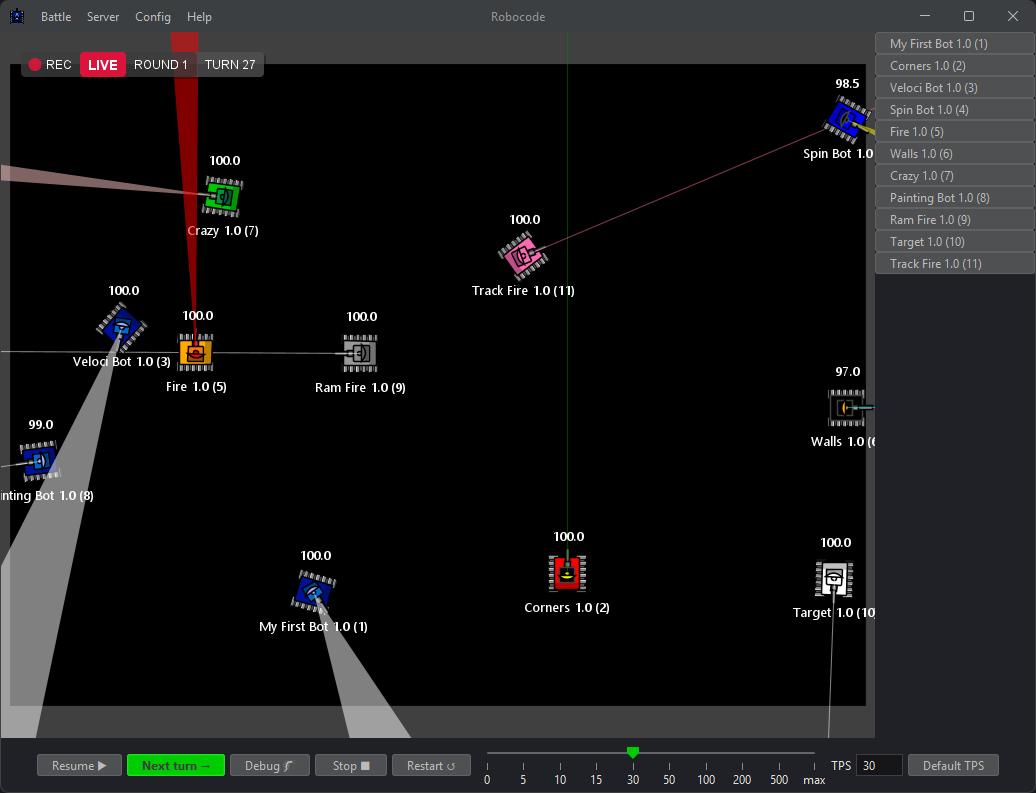
When enabled, each battle is saved to its own recording file in the recordings directory under your user data directory.
- Windows:
%LOCALAPPDATA%\Robocode Tank Royale\recordings - macOS:
~/Library/Application Support/Robocode Tank Royale/recordings - Linux:
~/.config/robocode-tank-royale/recordings
For more about user data locations and the recordings directory, see User data locations.
Replaying battles
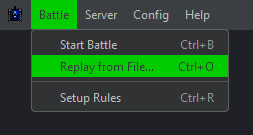
Open recorded battles with Battle → Replay from File...:
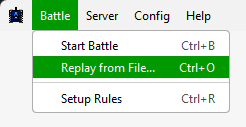
The file dialog opens in the recordings directory within your user data folder.

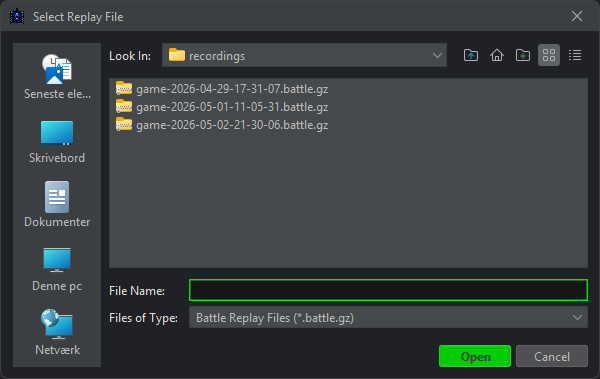
Click Open to start playback:
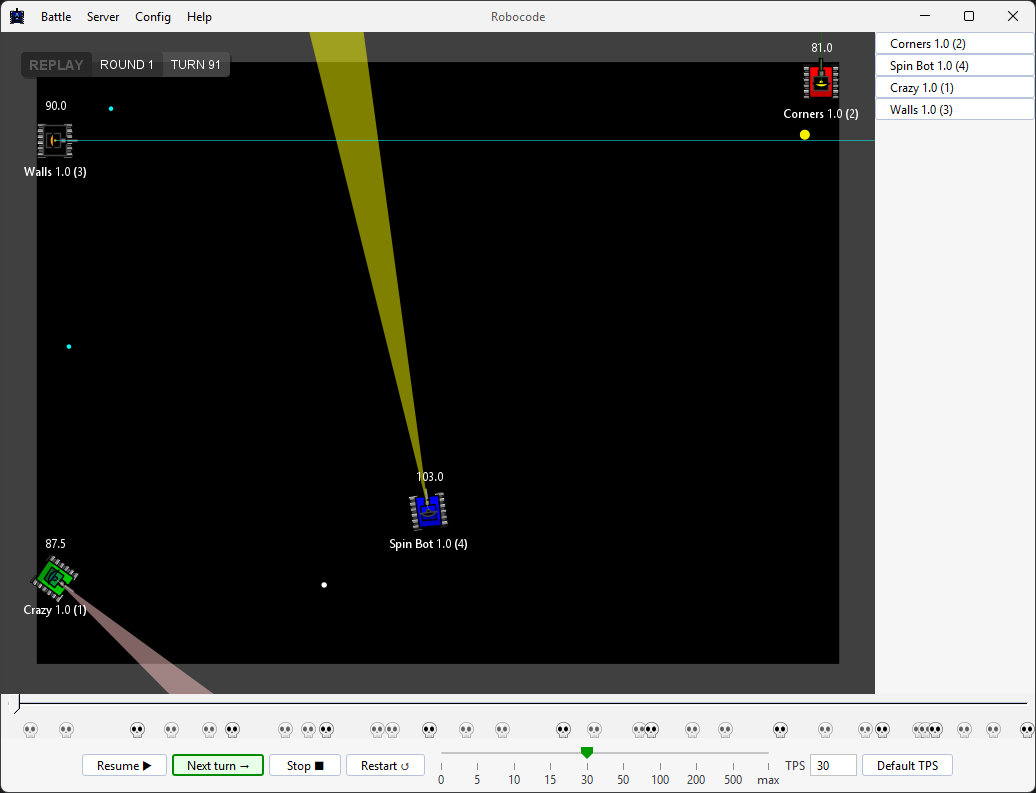
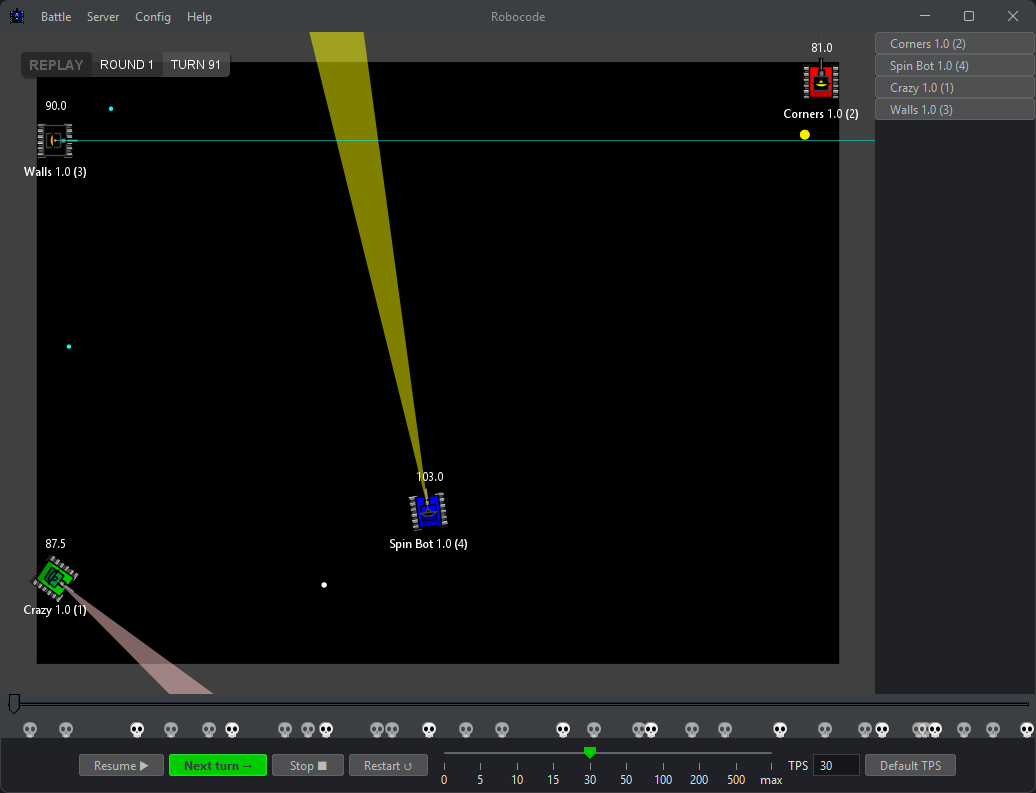
The timeline shows battle progress and bot deaths, marked by skulls. Click anywhere on the timeline to jump directly to that turn.
Replay controls match the live battle controls for pause or resume, stepping, and stopping.