Configuring the GUI
This guide covers the dialogs used to configure the GUI, the local server, debugging features, and sound.
Local Server Log
The GUI provides a built-in server log viewer when running a local server:
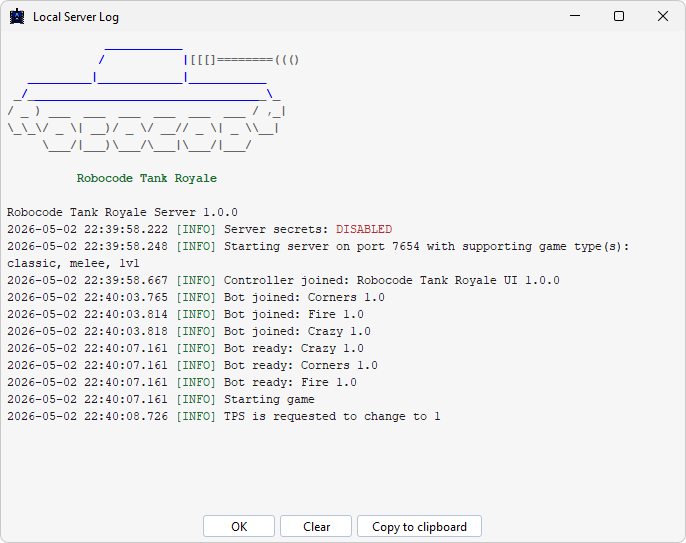
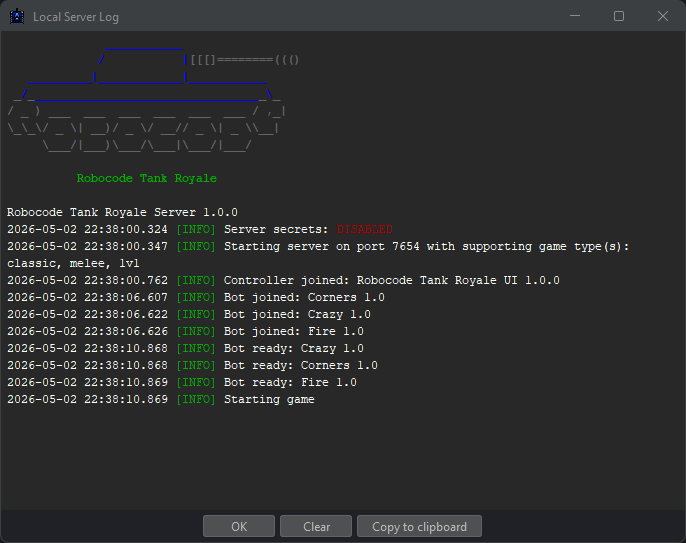
Use it to monitor server activity, debug connection issues, and follow battle events in real time. Log viewing is only available for local servers, not remote ones.
GUI Options
The GUI Options dialog controls language, UI scaling, console limits, and other general GUI preferences:
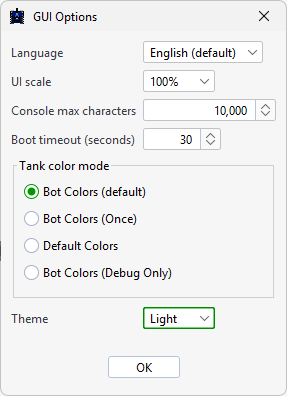
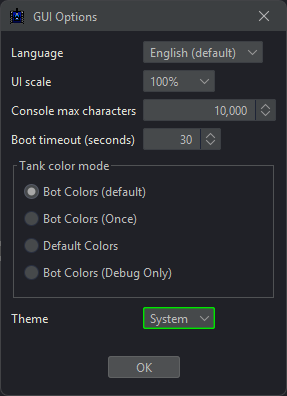
You can use it to:
- change the GUI language
- adjust UI scaling for high-resolution displays
- set the maximum number of characters retained in a console
- set the boot timeout in seconds
Tank color mode
The Tank color mode group controls how tank colors are resolved during rendering:
| Mode | Description |
|---|---|
| Bot Colors | Bot-defined colors are used and can change freely during the battle. |
| Bot Colors (Once) | The first color reported by each bot component is locked for the entire battle. |
| Default Colors | Bot-defined colors are ignored and all tanks use the standard default colors. |
| Bot Colors (Debug Only) | Bot-defined colors are shown only while debug mode is active. |
For the underlying gui.properties file, see Configuration files.
Server Options
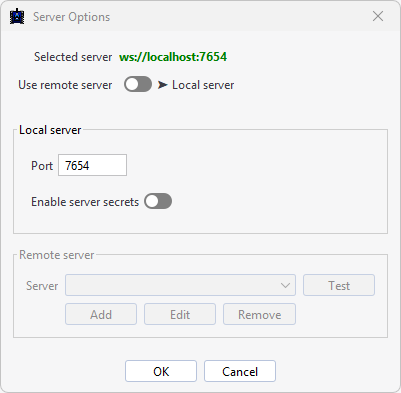
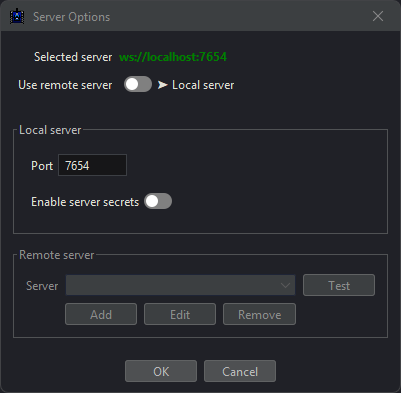
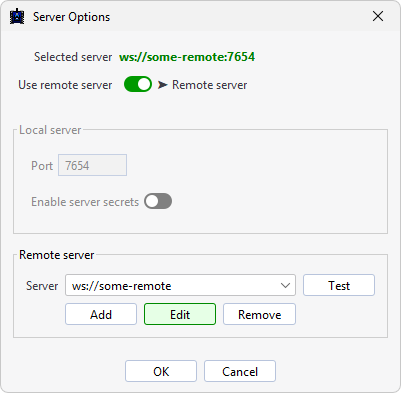
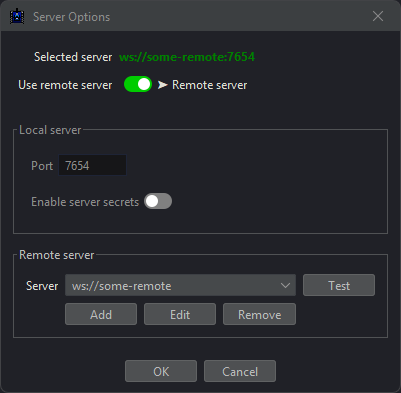
The Server Options dialog lets you configure the server used for battles. At the top of the dialog, the GUI shows the URL of the currently selected server.
Local Server
By default, Robocode Tank Royale uses a local server that starts automatically on localhost. You can configure:
- the server port
- server authentication using secrets
- security settings that restrict access
When server secrets are enabled, all clients and bots must authenticate with the correct secret to join. Bots can provide the secret through either:
- the Bot API
- the
SERVER_SECRETenvironment variable
Local Server Secrets
Secret authentication is disabled by default (enable-server-secrets=false). Enable it in the Server Options dialog or edit server.properties directly when you need to restrict access to the server.
When secrets are enabled, server.properties contains the generated keys that bots and controllers must present to connect.
You can change the secrets by editing the file manually or regenerating them through the Server Options dialog.
For the full server.properties reference, see Configuration files.
Remote Server
You can also connect the GUI to a remote server. Remote servers are expected to run externally and are therefore not started automatically when you launch a battle.
To connect to a remote server:
- Enter the server URL in WebSocket format, such as
ws://hostname:port - Provide the controller and bot secrets configured on that server
- Click Apply
Without the correct secrets, neither the GUI nor bots can authenticate and connect to the remote server.
Debug Options
The Debug Options dialog contains development and testing features:
- Initial Bot Position allows bots to specify their starting position either through the
initialPositionfield in their JSON config file or programmatically through theBotInfoclass
This option is meant for debugging only. In normal play, bots are not allowed to choose their starting position.
Sound Options
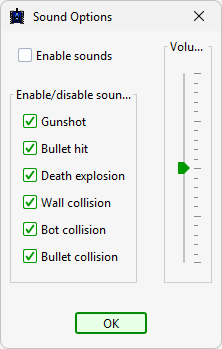
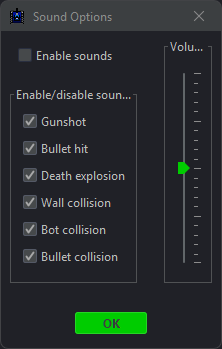
The Sound Options dialog controls the game audio:
- a global sound toggle
- individual toggles for each sound effect type
- a volume control
For installing the optional sound files, see Installing sounds.
About box
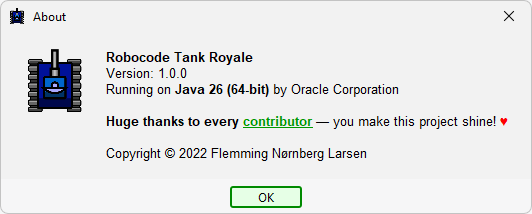
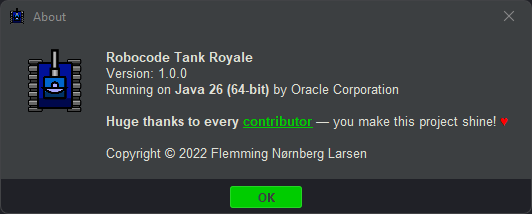
The About dialog shows system and support information:
- Robocode Tank Royale version number
- Java runtime version and vendor details
- a link for reporting new issues on GitHub
- recognition of project contributors
This information is useful when reporting bugs or compatibility issues.